Instagram photos in comments: 5 things to know
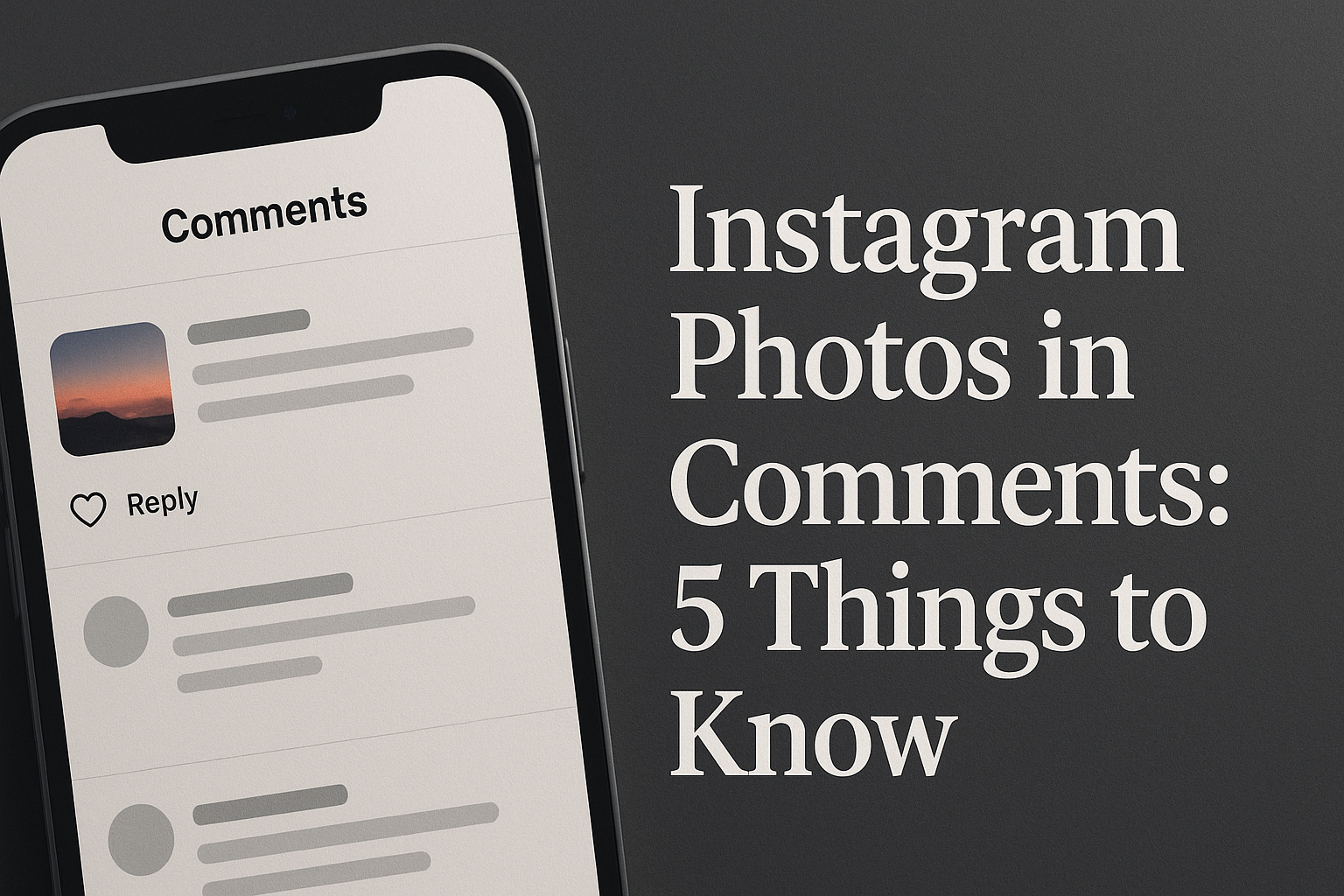
A small camera icon has started appearing next to the comment box on Instagram posts, and it's quietly changing how people talk to each other on the platform. Instead of typing a reply, users can now attach an actual photo directly inside a comment thread. No caption needed. No separate post. Just an image, sitting alongside the usual text replies, right under someone else's photo or video.
This shift matters more than it might seem at first. Comments have been text-only territory for over a decade, and adding visual replies changes the rhythm of how people engage with content. A cooking account posts a recipe, and instead of someone typing "made this, turned out great," they can now show the actual dish. A fashion brand shares an outfit, and a follower replies with a photo of themselves wearing something similar. This is the core of what instagram photos in comments actually enables, and it's reshaping engagement patterns in ways that go beyond a simple feature update. For creators paying close attention to visibility metrics, this kind of shift sits alongside other engagement questions, including whether can you boost a collab reel on instagram to extend reach on collaborative content - both point to how much Instagram's engagement mechanics have expanded beyond likes and hashtags.
This guide covers five practical things worth understanding: how the feature actually works, what the latest rollout includes, the benefits and risks tied to it, and how creators can use it without running into trouble.
1. What "Instagram Photos in Comments" Actually Means
At its core, this feature lets a user attach an image file to a comment the same way they'd attach one to a direct message or a story. It's not the same as tagging someone in a photo, and it's not the same as sending a picture privately through DMs. The photo appears publicly, directly beneath the original post, visible to anyone who scrolls through the comment section.
The distinction matters because Instagram has offered adjacent tools for years without ever letting users post images inside the comment thread itself. Tagging attaches your identity to someone else's photo. Story mentions reshare a post to your own audience. Direct message sharing keeps the exchange private. Instagram photos in comments sits in a different category entirely: it's a public, threaded, visual reply tied to a specific post.
- Photo tagging: attaches your account to an existing photo, but doesn't let you add a new image.
- Direct message sharing: sends a photo privately, invisible to other followers.
- Story mentions: reshares content to your own followers, separate from the original post's comment section.
- Comment photo upload: adds a new image directly and publicly within the comment thread itself.
A practical example makes this clearer. Say a fitness creator posts a workout routine. Before this feature, a follower could only write "tried this today, felt great." Now, that same follower can post a photo taken mid-workout, directly in the comments, so anyone reading the thread sees proof rather than just a claim. That difference - from description to demonstration - is what makes this update worth understanding in depth.
2. How to Use the Feature: Step-by-Step
Using the feature doesn't require any special settings or a business account. It works the same way for personal profiles as it does for brands, at least in the areas where it has rolled out. The process itself is short, and most users figure it out within seconds of noticing the camera icon.
- Open the post you want to comment on.
- Tap the comment field at the bottom of the screen.
- Select the camera icon that appears next to the text input.
- Choose an existing photo from your camera roll or capture a new one on the spot.
- Confirm and post the comment, which now includes both the image and any accompanying text.
There are practical limits worth knowing before diving in. Image quality gets compressed slightly for faster loading, so extremely detailed or high-resolution photos may lose some sharpness once posted. Most accounts can attach one photo per comment rather than multiple images in a single reply, which keeps the comment thread from becoming visually cluttered. It's also worth remembering that once a photo comment is posted, it becomes visible to anyone who can see the original post, including followers of the original poster who might not follow the commenter at all.
For anyone using this instagram photos in comments guide as a starting point, the biggest practical tip is simple: treat photo comments the same way you'd treat a public post, because visibility works almost identically.
3. The Latest Update and Rollout Details
Like most Instagram features, this one hasn't launched everywhere at once. Instagram has a long pattern of testing features with limited groups before expanding access, and photo comments followed a similar path. The instagram photos in comments update has moved through phases, starting with a smaller pool of accounts before broadening to a wider audience.
| Phase | Availability | Key Changes |
|---|---|---|
| Initial testing | Limited group of accounts | Basic photo attachment in comments introduced |
| Expanded rollout | Broader set of regions and account types | Improved image handling and comment display |
| General availability | Most standard app versions | Feature integrated into default comment interface |
Because rollouts tend to be uneven, some users may see the camera icon while others on outdated app versions won't notice any change at all. Anyone following instagram photos in comments news closely will notice that Instagram rarely announces these updates with major press releases. Instead, they surface gradually, often first spotted by users or app reviewers before Instagram formally confirms them. If the feature isn't visible yet, updating the app is usually the first troubleshooting step.
4. Benefits and Risks of Using Photos in Comments
The appeal of this feature is straightforward: visual replies tend to carry more weight than text. A photo comment showing a finished recipe, a product in real use, or a reaction captured in the moment adds a layer of authenticity that words alone can't replicate. For brands, this opens a direct channel for user-generated content that used to require separate reposting or manual outreach.
But the same openness that makes the feature useful also introduces friction. Public photo comments mean less control over what appears underneath a post. A brand running a product launch might suddenly find comments filled with unrelated images, and moderating photo content takes more effort than deleting a line of text. Privacy is another consideration: a photo comment is visible to a much wider audience than the commenter may realize, especially if the original post has a large following.
| Benefits | Risks and Considerations |
|---|---|
| Stronger, more authentic engagement | Harder to moderate compared to text comments |
| Easier collection of user-generated content | Potential for spam or irrelevant images |
| Visual proof adds credibility to reviews or reactions | Privacy exposure greater than expected by casual users |
Consider a small business that posts a new product photo. If followers respond with their own photos of the product in use, that's free, credible marketing material. But if the comment section fills with unrelated or low-quality images from unrelated accounts, the thread becomes harder to scan and less useful for anyone browsing it. Both outcomes are realistic, and which one dominates often comes down to how actively the account owner monitors and moderates the comment section.
5. Best Practices for Creators and Brands
Getting real value from this feature takes a bit of intention rather than just waiting for followers to notice the camera icon. Creators who actively invite photo replies tend to see far more engagement than those who leave it to chance.
- Ask followers directly to reply with a photo, whether it's a recreation, a reaction, or proof of use.
- Check comments regularly to remove spam or irrelevant photo replies before they pile up.
- Feature standout photo comments in stories to reward engagement and encourage more of it.
- Combine photo comments with other engagement tools, such as polls or pinned comments, to keep interaction varied.
A brand running a seasonal campaign, for instance, could ask customers to comment with photos of how they're using a product, then feature the best replies in a weekly story roundup. This turns a passive comment section into an active feedback loop, and it costs nothing beyond the time spent moderating and reposting. The instagram photos in comments details that matter most here aren't technical - they're about consistency. Accounts that treat photo comments as a standing invitation, rather than a one-time novelty, tend to build stronger, more visual communities around their posts.
Questions and Answers
Is the photo-in-comments feature available on all devices?
Availability depends on the app version installed and, in some cases, the platform being used. Users on outdated versions of the Instagram app may not see the camera icon yet, even if the feature has reached general availability elsewhere. Updating the app is the simplest way to check if access has arrived.
Can I delete a photo comment after posting it?
Yes, photo comments can be deleted the same way text comments are removed, either by the commenter or by the owner of the original post. Once deleted, the image and any attached text disappear from the thread immediately.
Will photo comments notify the original poster differently than text comments?
No, notifications work the same way regardless of whether a comment includes text, a photo, or both. The original poster receives a standard comment notification and can open the post to view the image directly in the thread.
Can businesses use this feature for customer reviews or user-generated content?
Yes, and it's one of the more practical uses of the feature. Instead of asking customers to post separately and tag the brand, businesses can invite photo replies directly in the comment section, making it easier to collect and later reshare genuine customer content.
Does adding photos in comments affect how visible a post becomes?
Visual comments tend to draw more attention from other users scrolling through a thread, which can lead to longer engagement time on a post. That said, there's no confirmed mechanism suggesting Instagram's ranking system treats photo comments differently from text ones at a technical level.
Is there a limit to how many photo comments I can post per day?
Instagram applies general activity limits across the platform to prevent spam, and these can apply to photo comments as well as other actions. Exact thresholds aren't publicly detailed, so posting at a natural, non-automated pace is the safest approach.